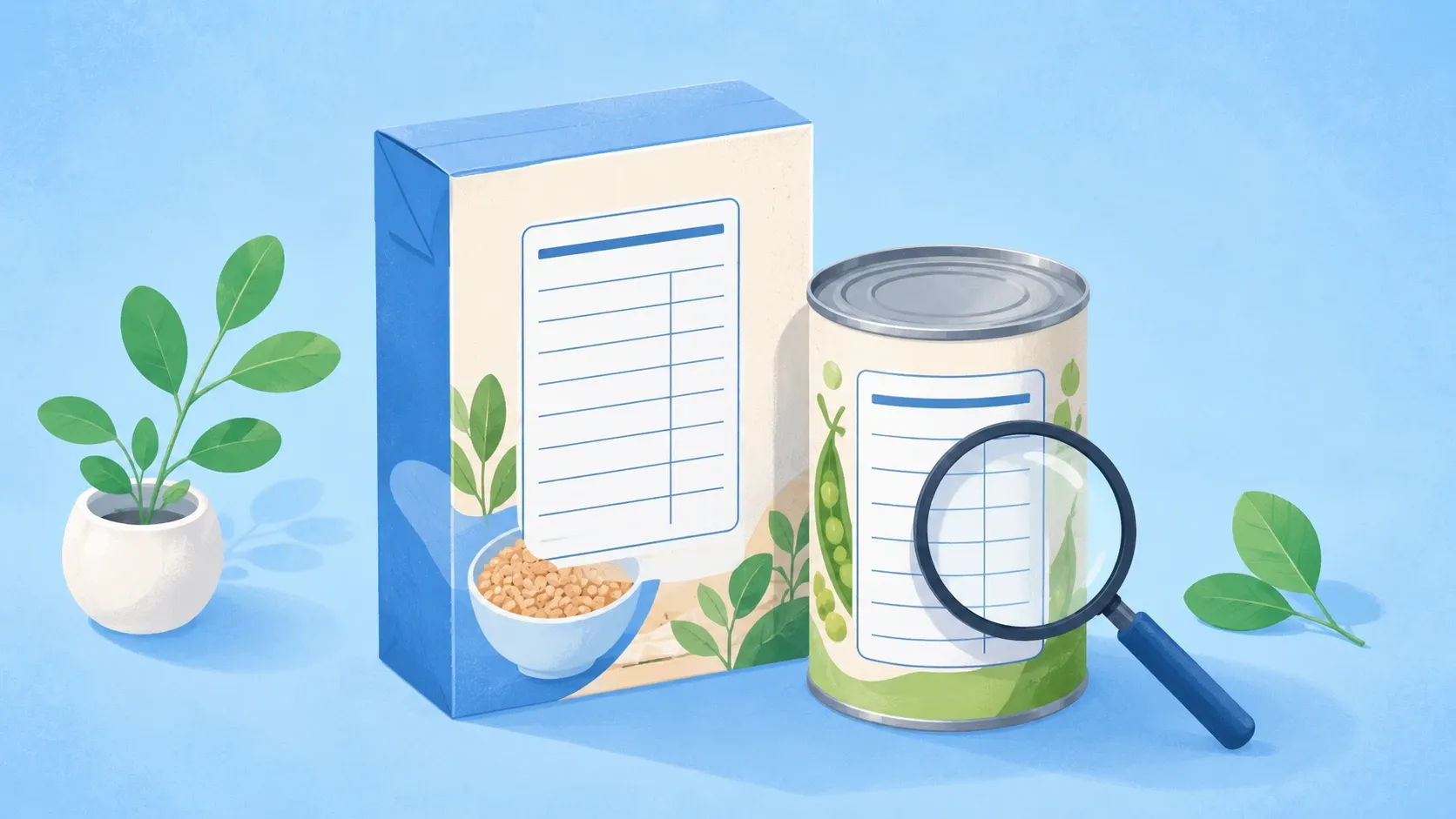

Read a nutrition label from the top down, and start with the serving size: every calorie and nutrient number printed below it is the amount in one serving, not the whole package. Get that one fact straight and the rest of the Nutrition Facts label falls into place. This guide walks through it as clear, numbered steps, from serving size to calories to the percent Daily Value and added sugars, then shows how to turn the label into calories you actually track.
The label you see in the United States is set by the U.S. Food and Drug Administration (FDA), which also publishes the official how-to (FDA). Everything below is built on that guidance.
Why the label matters
The Nutrition Facts panel is the single most reliable nutrition number you will ever get for a packaged food. It is standardized, it is required by law, and it is the same format on every product, which is exactly what makes two foods easy to compare side by side.
It is also the antidote to front-of-package marketing. Words like “natural,” “light,” or “made with real fruit” are not strictly defined the way the panel is. The Nutrition Facts label, the ingredient list beside it, tells you what is actually in the food. Learning to read it in order is a five-minute skill that pays off at every grocery trip.
Step 1: Serving size and servings per container (the #1 trap)
This is the line everyone skips, and it is the one that trips people up most. At the very top of the label you will see two numbers: servings per container and the serving size (shown as a familiar household measure such as a cup, piece, or slice, followed by the amount in grams).
Here is the rule that makes or breaks everything below it: the calories and every nutrient amount on the label are for a single serving. If a bag lists 3 servings per container and you eat the whole bag, you have eaten three times the calories, three times the sodium, three times everything. The FDA spells this out directly: if you ate two servings, you would be consuming two times the calories and nutrients shown (FDA).
A few things worth knowing about serving size:
- It is not a recommendation of how much to eat. Serving sizes are standardized to reflect what people typically eat, so similar foods can be compared fairly. It is a measuring stick, not a portion suggestion.
- Compare like with like. When you hold two products against each other, confirm their serving sizes match before you trust the comparison. A cereal that looks lower in sugar might just have a smaller serving.
- Watch for dual-column labels. Some packages that could be eaten in one sitting (a 20-ounce drink, a small bag of chips) show two columns: “per serving” and “per container.” That second column is the honest one if you tend to finish the whole thing.
If you take nothing else from this guide, take this: read the serving size first, every single time.
Step 2: Calories
Just below the serving information sits the Calories figure, printed in large bold type because, for many people, it is the number they came for. It tells you how much energy is in one serving of the food.
To turn it into your real intake, do one quick multiplication: calories per serving multiplied by the number of servings you actually eat. A frozen meal showing 250 calories per serving with 2 servings in the tray is a 500-calorie meal if you finish it.
Calories are the foundation of weight management, because steady weight change comes down to the balance between energy in and energy out. If you are eating to lose weight, those per-serving calories are what add up toward your daily target, and a modest, consistent gap below what you burn is what drives results. Our guide to what a calorie deficit is explains how that math works, and how many calories you should eat a day helps you set the number you are comparing each label against.
Step 3: The nutrients to get more of, and less of
The middle of the label lists the nutrients, and the FDA sorts them into two practical groups. You do not have to memorize every line; you just have to know which direction you want each group to go.
Nutrients to get less of: saturated fat, sodium, and added sugars. Diets high in these are linked to higher risk of conditions like cardiovascular disease and high blood pressure, so for most of your choices you want these numbers lower (FDA).
Nutrients to get more of: dietary fiber, vitamin D, calcium, iron, and potassium. Americans generally fall short on these, and getting enough supports bone, blood, and heart health, so you want these numbers higher (FDA).
A couple of lines do not carry a percent Daily Value, so you read them in grams instead: trans fat and total sugars have no %DV, and protein usually has none on the label either, so use the gram amounts to compare and choose (FDA). For trans fat the goal is simple: as little as possible, ideally zero.
Step 4: Percent Daily Value (the 5% / 20% rule)
To the right of most nutrients is a column of percentages: the percent Daily Value (%DV). This is the most useful and most ignored part of the label. It tells you how much one serving of the food contributes to a full day’s worth of that nutrient, based on a 2,000-calorie diet used for general nutrition advice (FDA).
The %DV saves you from doing any math. You do not need to know that the Daily Value for sodium is 2,300 mg; the percentage already did that division for you. And the FDA gives one simple rule for reading it:
| Percent Daily Value | What it means | Aim for it when the nutrient is… |
|---|---|---|
| 5% DV or less | Low in that nutrient | Something to get less of (saturated fat, sodium, added sugars) |
| 20% DV or more | High in that nutrient | Something to get more of (fiber, calcium, iron, vitamin D, potassium) |
That is the whole trick: 5% or less is low, 20% or more is high (FDA). So a cereal at 20% DV for fiber is a strong choice, while a sauce at 30% DV for sodium per serving is one to use sparingly. One important reminder: the %DV applies to a single serving, so if you eat two servings, double the percentage too.
Because the percentages are all built on the same 2,000-calorie reference, they also let you compare two products fairly, as long as their serving sizes match.
Step 5: Added sugars (the 2016 label update)
Look under Total Sugars and you will see an indented line: Includes Xg Added Sugars. This line is one of the biggest improvements to the label, and it has only been required since the FDA’s 2016 update, with most large manufacturers complying by January 2020 (FDA).
The distinction matters:
- Total sugars include sugars that occur naturally in the food, the lactose in plain milk or the fructose in fruit, plus any added during processing. There is no %DV for total sugars, so this line is just grams.
- Added sugars are only the sugars and syrups added in manufacturing: table sugar, honey, syrups, and concentrated fruit-juice sweeteners. Naturally occurring sugars in milk, fruit, and vegetables do not count here (FDA).
This is why plain yogurt and a fruit can show sugar grams while listing 0 g added sugars: that sugar is naturally part of the food. The FDA set the Daily Value for added sugars at 50 grams per day on a 2,000-calorie diet, so the added-sugars line also carries a %DV you can read with the same 5% / 20% rule (FDA). Keeping that number low across the day is one of the easiest, highest-impact label habits there is.
Using the label to track what you eat
Reading a label well is the foundation; the next step is logging it so it counts toward your day. You can do this by hand, multiplying the per-serving numbers by how much you ate and writing it down, and many people start exactly there.
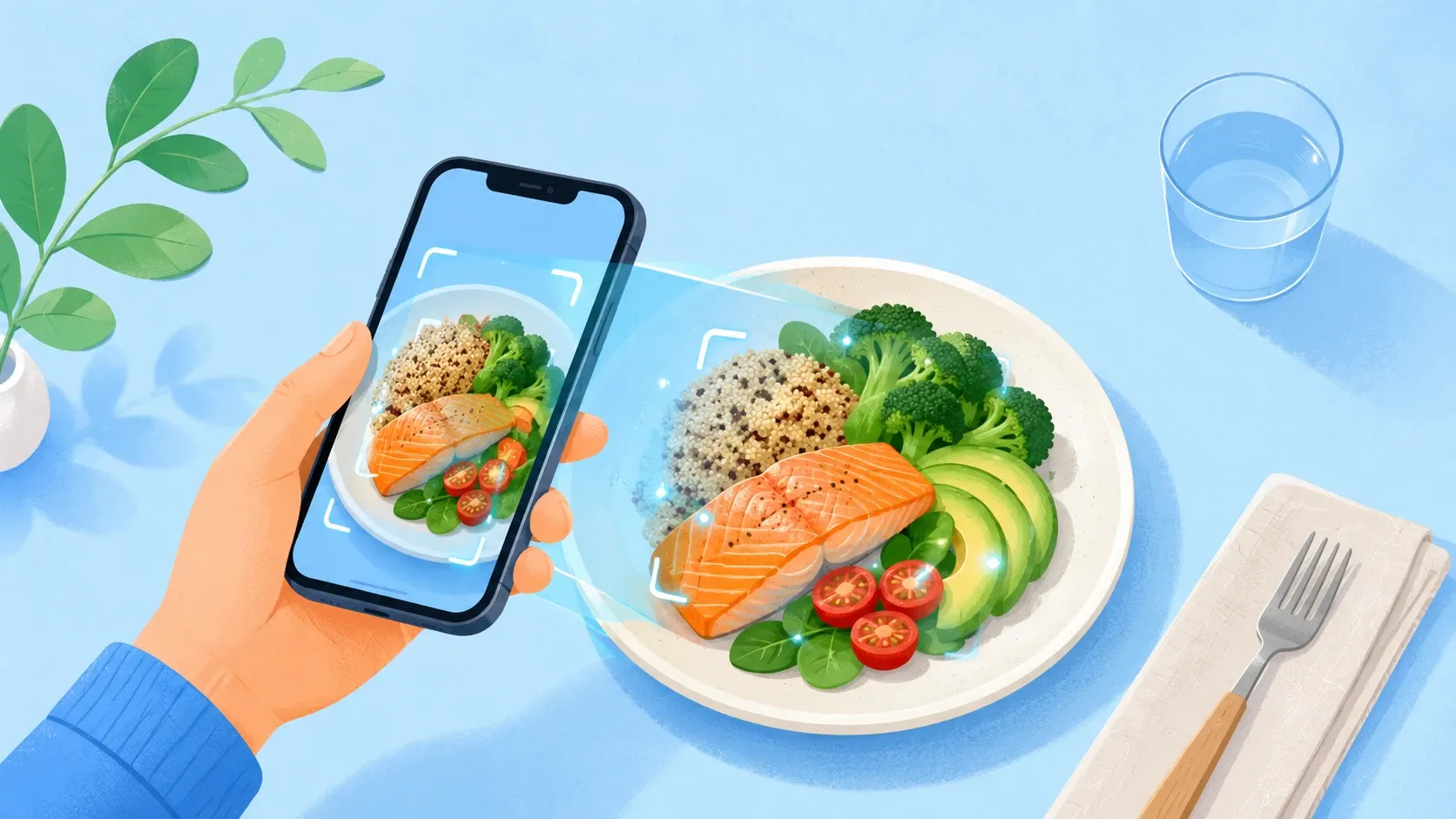
The faster way is to let the panel do the work for you. With the CalcEat app, scanning a packaged food’s barcode reads its Nutrition Facts label directly and pulls in the exact calories and nutrients, no typing, no math. The serving size, calories, sugars, and the rest become a logged entry in a couple of seconds, with the same precision the manufacturer printed on the box. For a meal on a plate without a barcode, a photo gives you a fast estimate instead.
This is where label literacy and easy tracking reinforce each other. The skills from this guide, checking the serving size, watching added sugars, reading %DV, still matter for making smart choices in the aisle. The app just removes the friction of recording them. If weighing every portion sounds like too much, our guide to counting calories without weighing every meal covers the lighter-touch approach, and because no estimate is perfect, how accurate AI calorie counters are is an honest look at what to expect. Whatever method you use, your per-serving calories feed into a daily target you can set with our calorie calculator or by building a free personalized plan.
The bottom line
A nutrition label is not complicated once you read it in order. Start with the serving size, because every other number depends on it. Check the calories and multiply by how much you actually eat. Use %DV as a fast filter, where 5% or less is low and 20% or more is high, aiming high on fiber, calcium, iron, vitamin D, and potassium, and low on saturated fat, sodium, and added sugars. Glance at the added-sugars line. That is the entire skill, and it takes under a minute once it is a habit. From there, a barcode scan turns any label into a tracked entry, so the work you put into reading it actually adds up.